BILLING FOR YOUR BUSINESS
A faster way
to build bills
Prepare invoices and shipping documents from a simple form. Update the details. Download a PDF ready to send.
Try a sample bill. No signup needed.
WATCH THE DEMO
From bill to form to PDF.
20 seconds · A sample walkthrough
Fictional companies and data. Import is simulated; edits and PDF downloads work.
TRY IT YOURSELF
Start with a sample bill.
Change a customer or amount,
then download the result.
- 1 Add your bill
- 2 Edit the details
- 3 Get your PDF
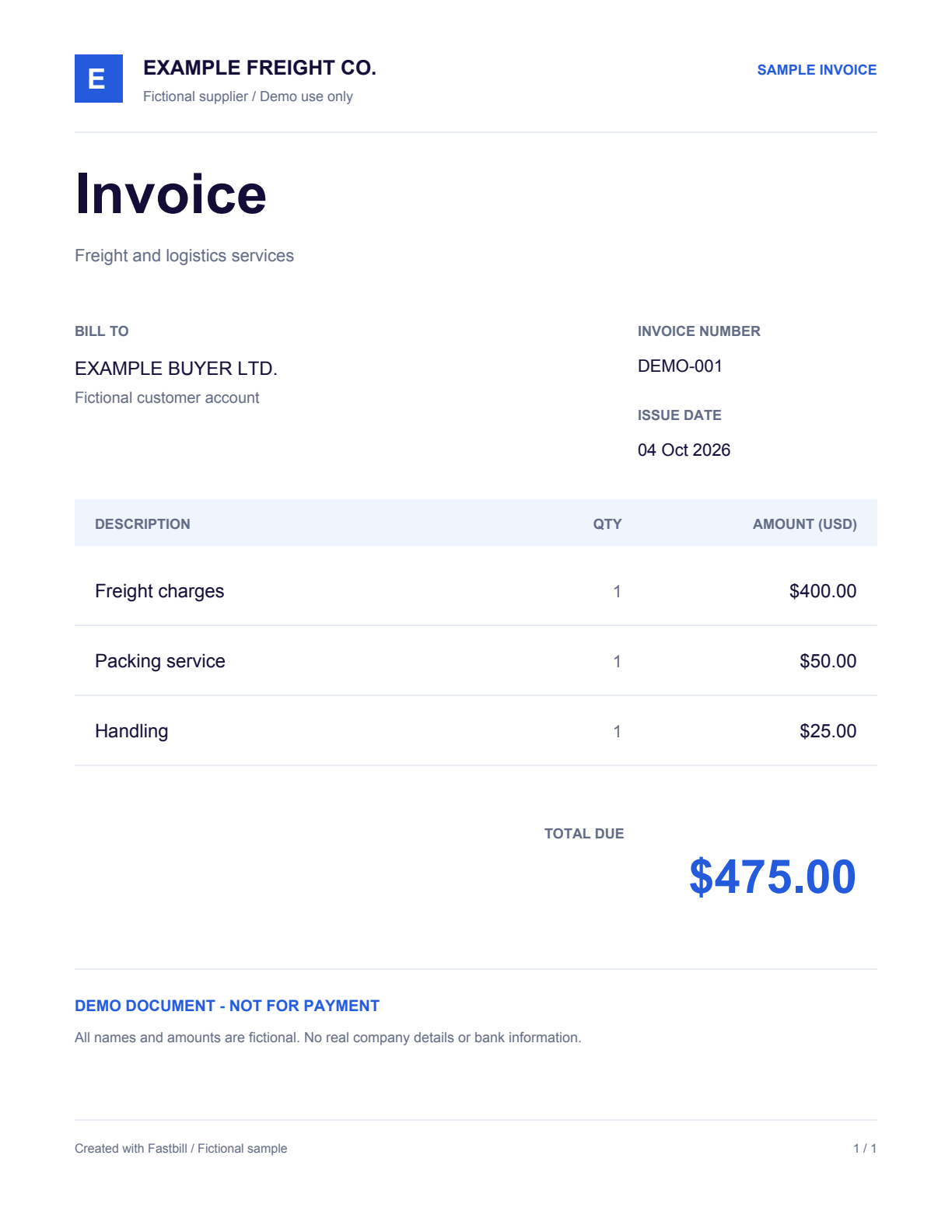
Fictional business invoice.
Drop a bill here.Try a sample bill.
Drag in the sample bill,
or use the button below.Tap below to turn this invoice
into a form you can edit.
Your PDF is ready.
Your updated sample invoice is ready to download.
fastbill-demo.pdfDownload againThis demo uses a prepared invoice. Uploading your own layout is coming later.
Invoices · Shipping instructions · Air waybills
GET EARLY ACCESS
Get Fastbill
for your business.
Leave your email to get early access.
You’re on the list.
We’ll email you when Fastbill is ready for your bills.
ABOUT FASTBILL
A few details.
What is Fastbill?
Fastbill is a web app for preparing invoices, shipping instructions, and air waybills from predefined document templates. Fill in a form, review the details, and download a PDF.
Which documents can I create?
Invited users can prepare invoices, shipping instructions, master air waybills, and house air waybills in the private workspace. The public demo lets anyone edit and download a fictional sample invoice without signing up.
Can I upload my own bill?
The public demo uses a prepared invoice and simulates the import step; no file is uploaded. Invited users can import text-based, one-page PDFs that match a supported layout, then review the extracted fields. Scanned PDFs and arbitrary new layouts are not supported.
Does the demo download a real PDF?
Yes. Choose Use sample bill, change the customer, invoice number, date, or charges, then choose Download PDF. Your edits appear in a fictional sample invoice marked not for payment. The interactive demo requires JavaScript.
Are my details saved?
Demo edits and private workspace document details are processed to generate your PDF and are not saved to a document history. Waitlist emails are stored separately for early-access contact.
How do I get access for my business?
Join the early-access waitlist with your email. The workspace currently requires an invitation and a workspace password. Joining the waitlist does not immediately unlock the workspace.